 Placeter
Website builder
Build a site that feels like your church.
Give people a clear place to find your service times, meet your team and take their next step. Build and host the Site in Placeter, with an editor your church team can use.
7-day free trial · Card required
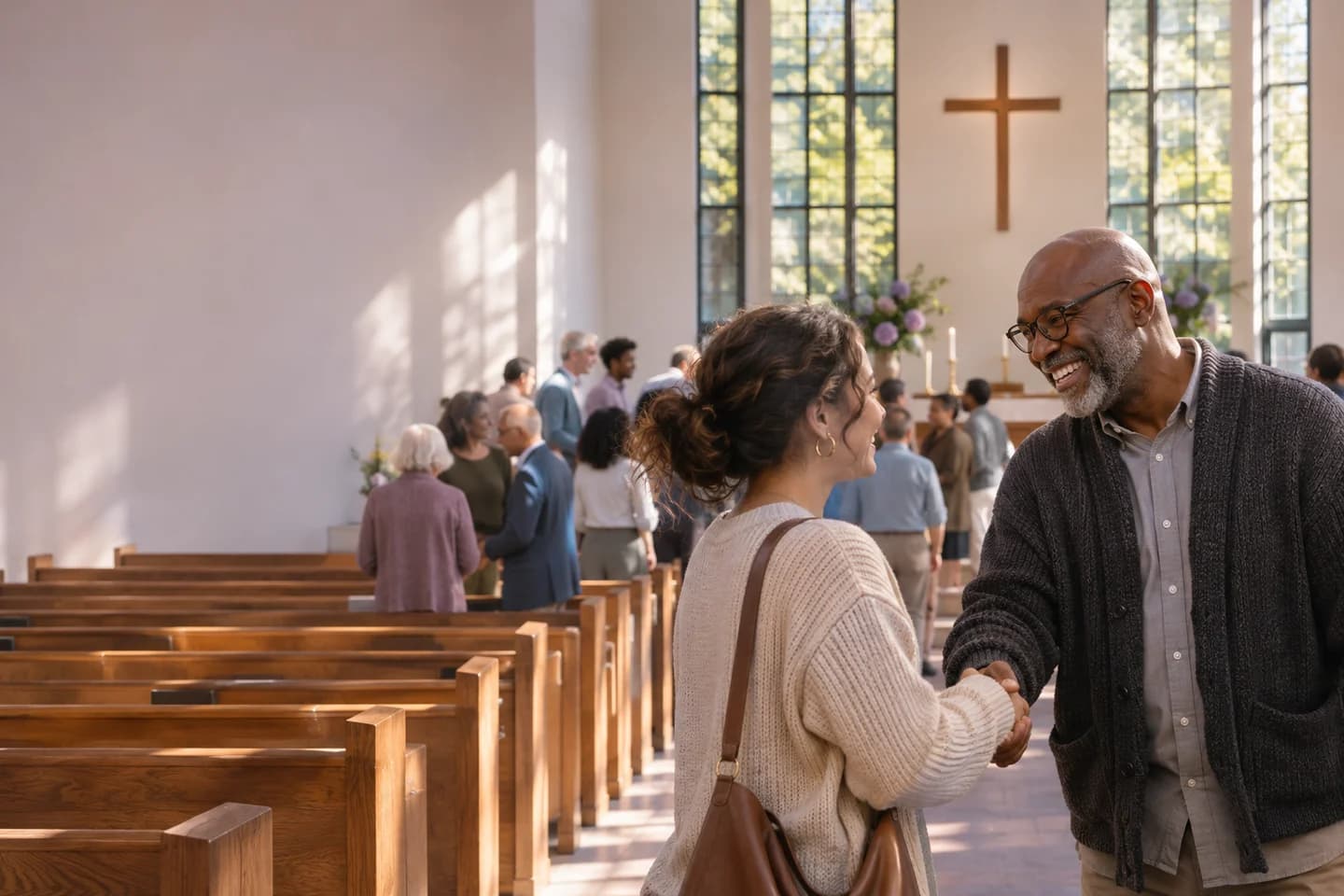
A Site your team can keep current
Start from a church Template
Choose a Template with a design, pages and sample content, then add your logo, colours and photography.
Arrange pages visually
Use rows and widgets to place headings, photos, calendars and forms where visitors need them.
Give ministries their own space
Introduce your Ministries and Staff, then share announcements and stories in Blog Posts.
From a blank page to Launch
Choose a starting point
Create a Site with your church’s name and logo. Pick a Template or start blank.
Make it yours
Build the pages you need and replace sample content with your own service times, location and details.
Preview, then Launch
Share a private preview with your team. Launch to make the Site public and Publish future changes when they’re ready.
Questions you might have
Do I need to write code?
You can arrange widgets and edit text, images and page settings in the visual builder.
Can I keep editing after Launch?
Yes. Save edits as drafts and Publish them when you’re ready for visitors to see them.