In this article
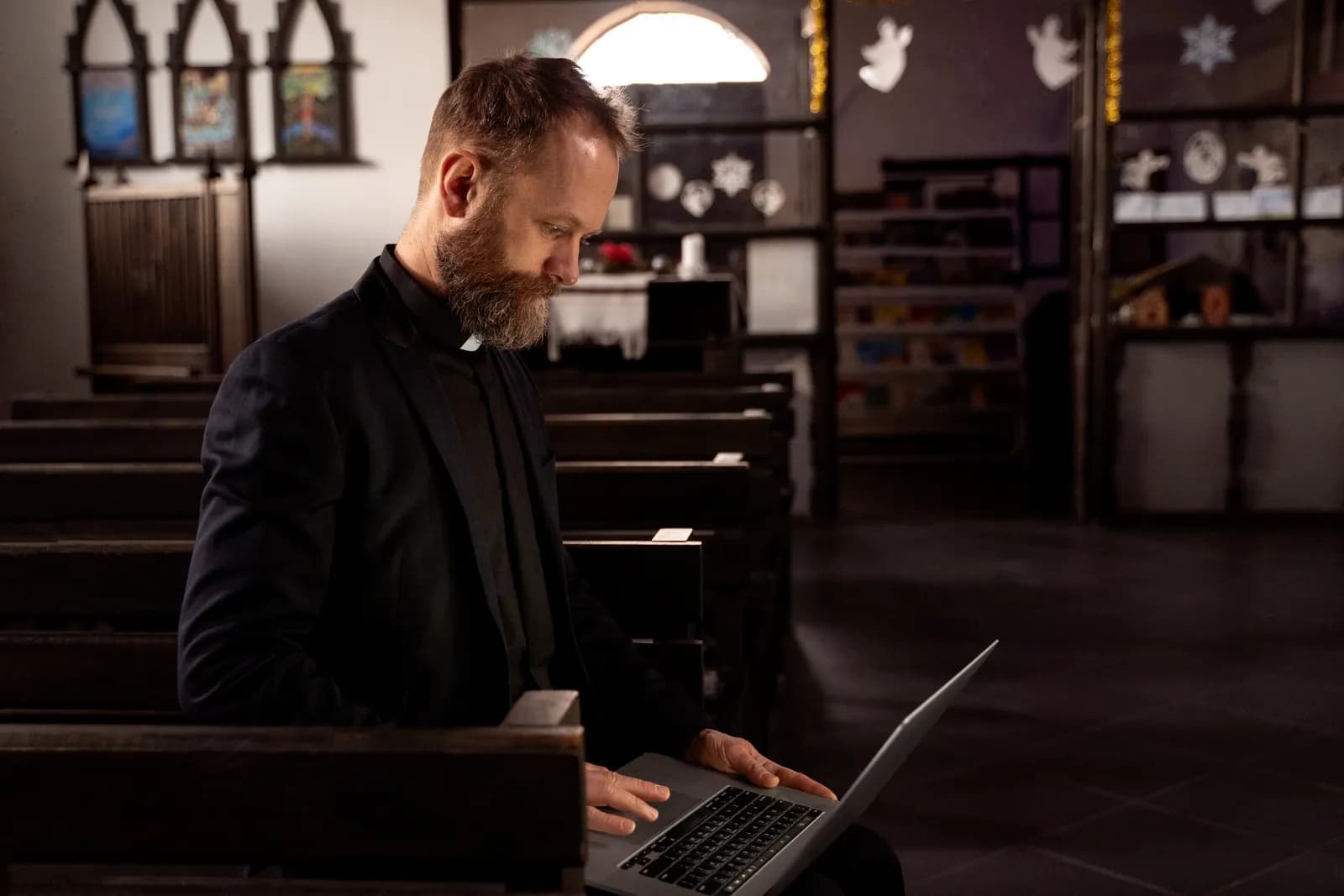
Yes, you can stream your Sunday service with just a laptop. A laptop with a camera, a steady internet link and a free account is enough to start. Good sound matters more than a good picture. So the first thing most churches add is a cable from the sound desk.
Can we live stream our church service with just a laptop?
Yes. YouTube lets you go live from a laptop's web browser with a webcam. You need no special software and no extra gear. Your channel must be checked with a phone number first. Turning on live streaming may take up to 24 hours, so do it a week before your first Sunday.
A laptop also beats a phone for a new church channel. On YouTube, going live from a phone needs at least 50 subscribers. Going live from a laptop has no such rule on YouTube's help page.
YouTube asks for:
- A channel with no live streaming limits in the past 90 days.
- A checked channel (a phone number at youtube.com/verify).
- The person going live must be 16 or older.
- Chrome or Firefox, if you go live from the browser.
Source: YouTube Help and YouTube webcam help.
What do we need besides the laptop?
You need four things: the laptop, a camera, sound and internet. A laptop's own camera faces the person using it. So most churches add a USB webcam on a stand. Then add a cable from the sound desk. That is all a small church needs for its first Sunday.
Prices were checked in November 2026 and change often.
A camcorder looks better than a webcam. But it needs a capture card, a small box that turns the camera's HDMI cable into USB. The Elgato Cam Link 4K is one. Most churches can wait on this.
How fast does our church internet need to be?
Your upload speed matters, not your download speed. For a 720p stream, YouTube asks for at least 3 Mbps up, and suggests 8. For 1080p, it asks for 5, and suggests 14. YouTube also says to leave about 20% spare. Run a speed test from the spot where the laptop will sit.
| Picture | YouTube's lowest | YouTube's suggested |
|---|
| 720p | 3 Mbps | 8 Mbps |
| 1080p | 5 Mbps | 14 Mbps |
Source: YouTube bitrate table and YouTube streaming tips.
A few tips:
- Test on a Sunday morning, not a Tuesday. More phones are on the church Wi-Fi then.
- Use a network cable if you can. Most streaming guides, like this one from Restream, say wired is steadier.
- If the speed is low, stream in 720p. It still looks fine on a phone.
How to get good sound on a laptop stream
Take the sound from your sound desk, not from the laptop's microphone. The laptop mic is far from the pulpit and picks up echo. A small USB audio box plugs into the desk's spare output and into the laptop. Then the people at home hear what the room hears through the speakers.
- Find a spare output on the sound desk, such as "aux" or "record out".
- Run a cable from it into a USB audio box.
- Plug the box into the laptop.
- Pick the box as the microphone in your streaming page or app.
- Keep the level low enough that the meter never hits the top.
- Listen to the stream on a phone with headphones during the service.
You cannot hear the stream in the room. A sound that seems fine in church can sound thin or loud at home. The Church of England's guide also suggests a USB audio box for this. Forum users report that the laptop's own mic jack can make music sound garbled (OBS forum).
Should we use OBS or stream straight from the browser?
Start in the browser if you have one camera and one volunteer. It has the fewest buttons. Move to OBS, the free streaming app, when you want slides, song words or a second camera. OBS runs on Windows 10 and 11, and on recent Macs.
OBS's own page does not give a minimum memory or processor. It says the needs "vary considerably" with picture size and scenes. Its setup wizard (Tools, then Auto-Configuration Wizard) picks safe settings for your laptop. StreamYard suggests a laptop under three years old with at least 4 GB of memory.
To send OBS to YouTube or Facebook, you copy a stream key from them into OBS. Treat the stream key like a password.
Can we go live on Facebook from a laptop?
Yes. Facebook lets you go live from a computer with its camera or with OBS. Meta's rules for live video say the account must be at least 60 days old. The Page must have at least 100 followers. A new church Page may need to wait before it can stream.
Source: Meta Live Video API overview. These rules come from Meta's guide for developers. We could not confirm they apply the same way to the camera button in a web browser.
Many people do not use Facebook. Some churches post a note that a Facebook account is not needed to watch. Others put the stream on their own church website, so anyone can watch.
How to stream onto your own church website with Chapel Page
Chapel Page puts the live service on your church website. You go live from your browser with a webcam, or from OBS. People watch on the sermon's page on your site. There are no ads and no other channels' videos next to your sermon.
What you get:
- A Go live button in your dashboard. A laptop and a webcam are enough.
- OBS works too, with the gear you already have.
- Each service can be recorded into your video library, for those who missed it.
- After each service, you see how long it ran, your top number of viewers and the total time watched.
You can keep your YouTube channel too. Some churches stream to YouTube with OBS and put the service on their website with Chapel Page. Every plan comes with monthly streaming hours. See what each plan includes and how streaming works on Chapel Page.
You still need a licence to stream worship songs, wherever you stream. Read Can your church legally stream worship songs? to learn more.
How to test before your first Sunday
Do a full test stream at least once before Sunday, at the same time of day. Set the stream as private or unlisted so only your team sees it. Watch it on a phone at home. Check the sound first, then the picture, then the internet.
- Turn on live streaming on your channel a week ahead.
- Set up the laptop where it will sit on Sunday.
- Plug in power and the network cable.
- Run a speed test.
- Go live as private for 15 minutes during a practice.
- Ask a friend at home to watch and tell you what they hear.
- Write down the steps on one page for the next volunteer.
Many churches have one person who runs the stream. As one volunteer wrote, "I am the one and only volunteer that will be doing the streaming" (OBS forum). A written page lets someone else step in.
Frequently asked questions about streaming church with a laptop
Do we need special equipment to live stream church?
No. A laptop with a webcam is enough to start. Most churches then add a USB audio box to take sound from the sound desk. A camcorder and a capture card can come later.
Can I live stream church on YouTube from my phone instead?
Only if your channel has at least 50 subscribers. YouTube sets that rule for phones. From a laptop, you can go live with fewer.
Why does our stream sound bad when it sounds fine in church?
The stream is often using the laptop's own microphone. It is far away and picks up echo. Take the sound from the sound desk with a USB audio box, and keep the level below the top of the meter.
What internet speed do we need to stream church?
For 720p, YouTube asks for at least 3 Mbps of upload speed and suggests 8. For 1080p, it asks for at least 5 and suggests 14. Leave about 20% spare.
Do we need a licence to stream worship songs?
Yes. Streaming songs that are still under copyright needs a licence, such as the CCLI Streaming Licence. That is true on YouTube, Facebook or your own website.
Is our old laptop good enough to stream?
Probably, if it runs Windows 10 or 11 or a recent Mac. Do a private test stream first. If the video stutters, close other programs and stream in 720p.
Start free