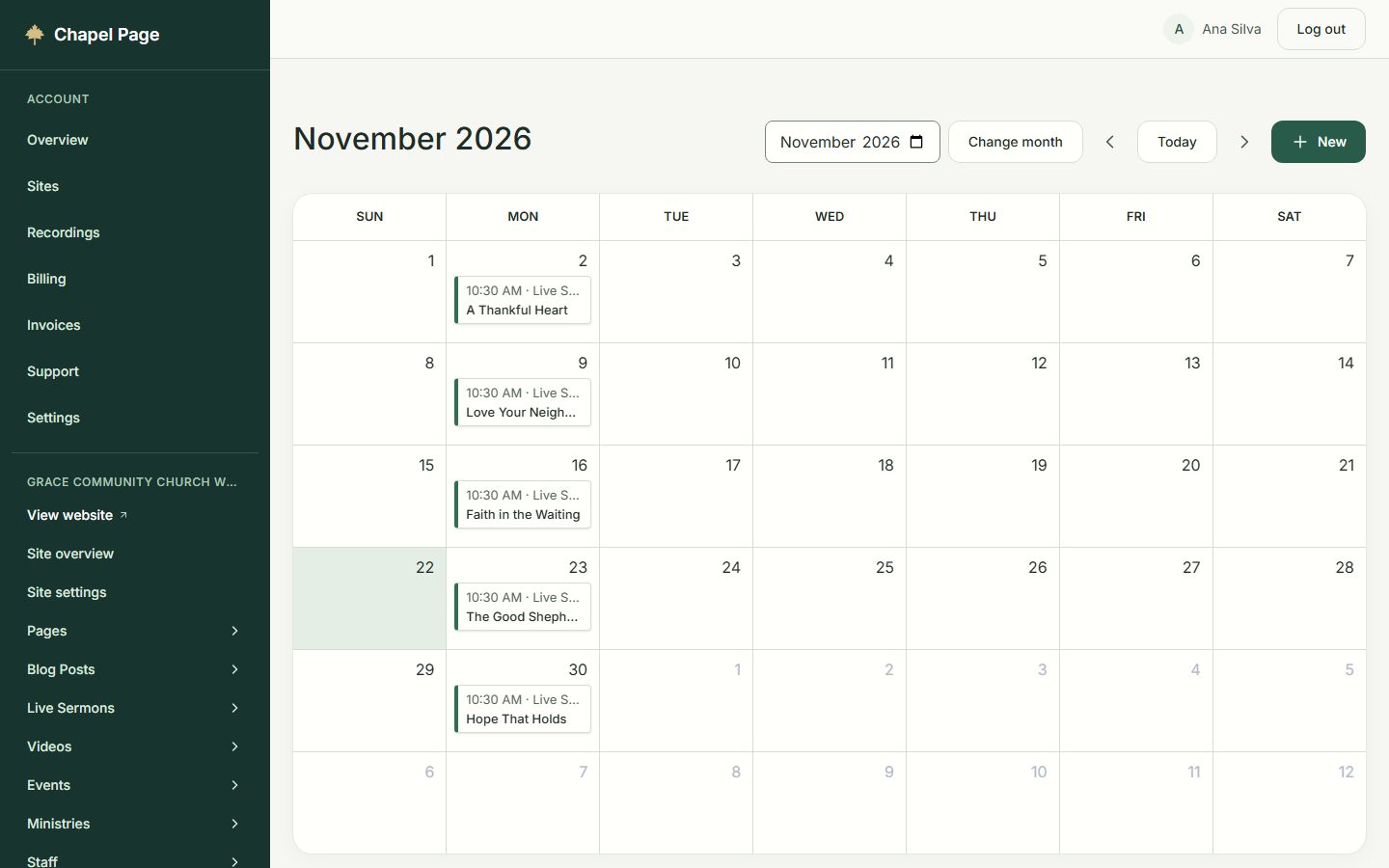
 Click a day to schedule an Event or a Live Sermon.
 Move between months or jump to a chosen month.
 Click an entry to open its page, finish it and publish it.
 Today is highlighted, and every time shows in your Site’s time zone.
A page for each Event
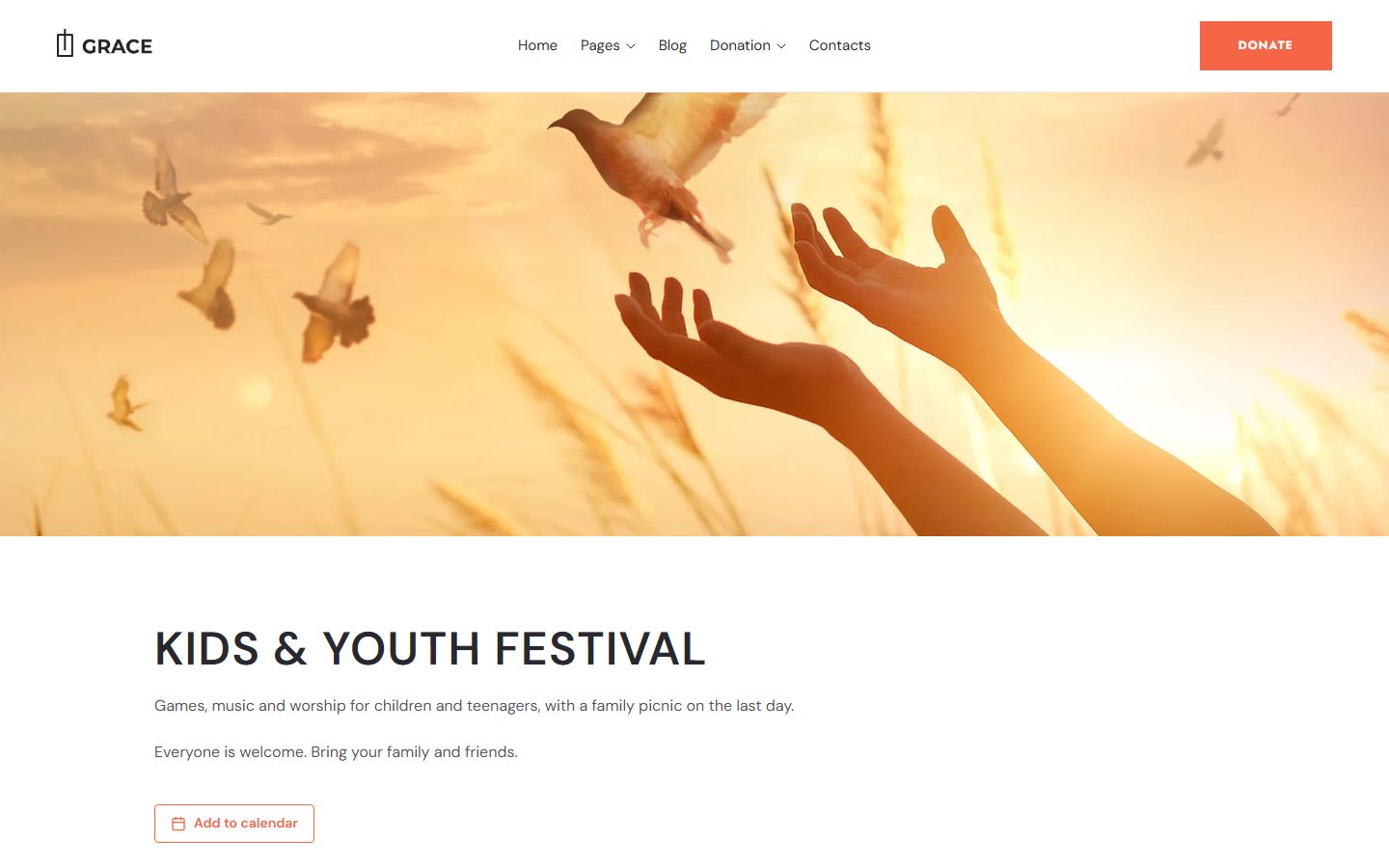
Each published Event has its own page and link, which you can send in an email or a text message. The page opens with the cover picture as a banner, then the description, then the details in columns, then the gallery.
After the Event takes place, the page says it is over, so nobody turns up to an empty room. It also links to the Events just before and after it.
Calendar, details and photos
- An Add to calendar button saves the Event to the visitor’s own calendar (Apple Calendar, Outlook, Google Calendar).
- Details in three columns: day, hours and organiser; place and phone; email, website and cost.
- A gallery of photos, two pictures across.
After the Event
- A note that the Event is over once its time has passed.
- Links to the previous and next Events.